WhatsApp Appointment Reminders: 12 Ready-to-Send Templates for Clinics and Salons
One short message before the appointment prevents a large share of no-shows, but the wording and timing matter. Here are templates you can copy and personalise in seconds.
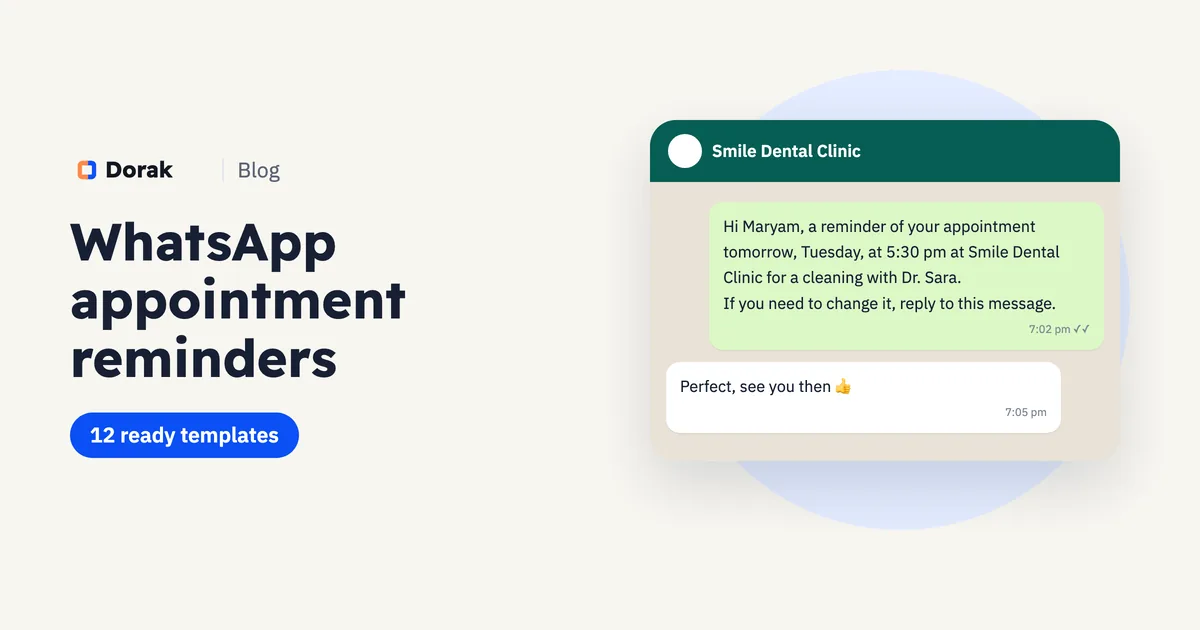
Most people who miss an appointment don't mean to. They forgot, mixed up the day, or something came up and there was no easy way to move it. One WhatsApp message at the right moment fixes all three.
Below are ready templates for each stage: confirming the booking, reminding before the visit, rescheduling and following up after a no-show. Copy one, fill in the brackets and start today.
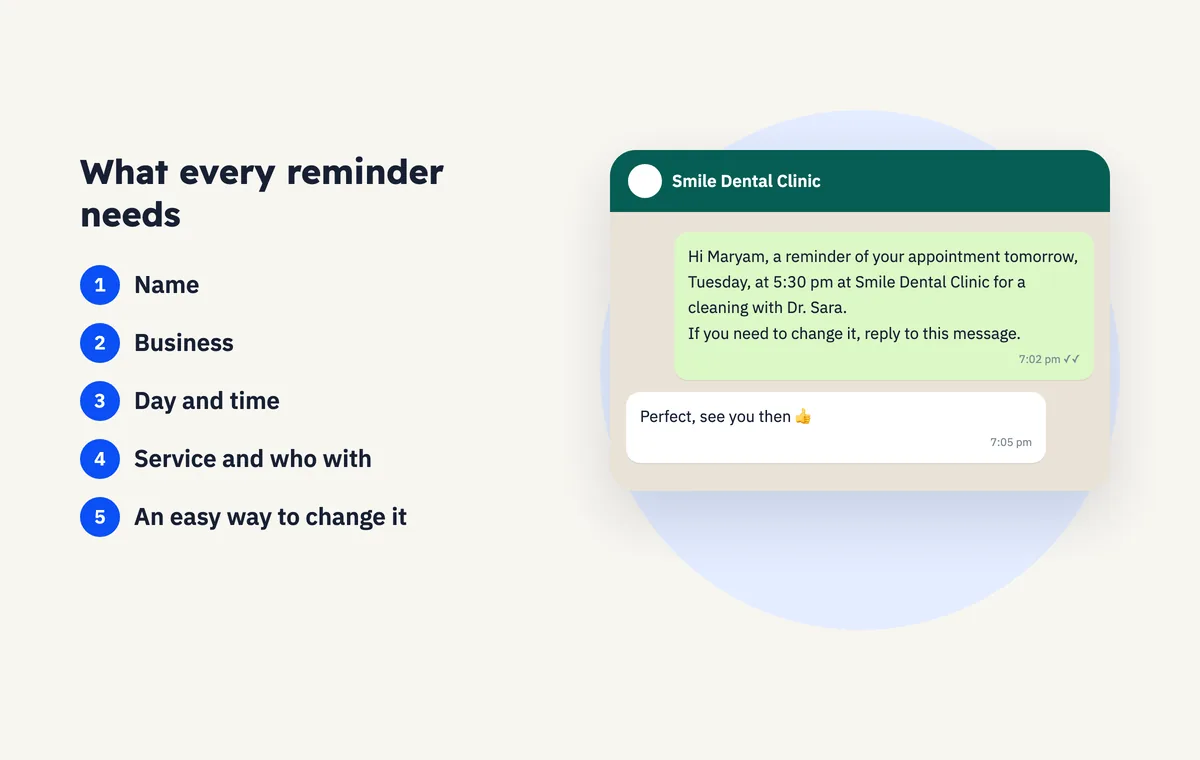
What every reminder needs
A good reminder is short enough to read from the notification alone:
- The client's name, so it doesn't read like a broadcast.
- Your business name, because they may have booked in more than one place.
- Day and time, spelled out: "tomorrow, Tuesday, at 5:30 pm".
- The service and who with, such as "cleaning with Dr. Sara".
- An easy way to change it: a link, or "reply to this message".
Keep offers and promotions out of reminders. A reminder is a service to the client; once it turns into an ad, people stop reading it.
When to send it
| Appointment | Best time to remind |
|---|---|
| Morning appointment | The evening before |
| Afternoon or evening appointment | That morning, or the evening before |
| Long or high-value session | The day before, asking for a reply to confirm |
| Booked weeks in advance | A week before, then the day before |
Avoid late at night and Friday prayer time. A message at the wrong moment annoys more than it helps.
Booking confirmation templates
1. Standard confirmation
Hi [name], your booking at [business] is confirmed.
When: [day] at [time]
Service: [service]
Booking ref: [ref]
See you then.
2. Clinic confirmation with directions
Hi [name], your appointment with [doctor] at [clinic] is confirmed for [day] at [time].
Address: [address]. Map: [link]
Please arrive ten minutes early.
3. Salon or barber confirmation
Hi [name] 👋 you're booked at [salon] on [day] at [time] with [staff member] for [service]. Need to change it? Just reply here.
Appointment reminder templates
4. Day-before reminder
Hi [name], a reminder of your appointment tomorrow, [day], at [time] at [business] for [service].
If you need to change it, reply to this message.
5. Reminder that asks for a reply
Hi [name], your appointment is tomorrow at [time] at [business].
Reply 1 to confirm, or 2 if you'd like to reschedule.
6. Same-day reminder
Good morning [name], just a reminder of your appointment today at [time] at [business]. See you soon.
7. Treatment-plan session
Hi [name], your next session ([number] of [total]) with [doctor] is on [day] at [time]. Keeping to the schedule matters for your results.
8. Car service centre
Hi [name], a reminder that your [car model] is booked in tomorrow at [time] at [centre]. The service takes about [duration]. Let us know if you'd like to drop the car off early.
Rescheduling and no-show templates
9. Offering a new time
Hi [name], unfortunately [staff member] isn't available on [day]. We can offer [time 1] or [time 2]. Which suits you?
10. After a first no-show
Hi [name], we missed you at your appointment today and hope all is well. If you'd like to rebook, reply here and we'll find you the next available time.
11. After repeated no-shows, asking for a deposit
Hi [name], we noticed the last two appointments were missed. To confirm your next one we ask for a deposit of [amount], deducted from your bill. Happy to book you whenever suits you.
12. Routine recall
Hi [name], it's been [period] since your last [service] with us. To book the next one, reply here or use this link: [booking page link]
Mistakes that make reminders useless
- Too long. If the client has to open the chat and read a paragraph, they won't.
- No name, no business. "Reminder of your appointment tomorrow" from an unsaved number looks like spam.
- Ambiguous times. "At 5" could be morning or evening. Write "5:00 pm".
- No way to reschedule. If changing is hard, people simply don't turn up.
- Sending from a different personal number each time. Use the business number so clients recognise it.
- Over-reminding. Never send more than two reminders for the same appointment.
Manual reminders or booking software?
| Manually from a diary | From booking software | |
|---|---|---|
| Writing the message | From scratch every time | Name, time and service already filled in |
| Knowing who to remind | You check the diary yourself | Tomorrow's list is in front of you |
| Errors | Wrong time or name happens | Details come from the booking itself |
| No-show history | Usually none | A profile per client with missed visits |
Reminders in Dorak
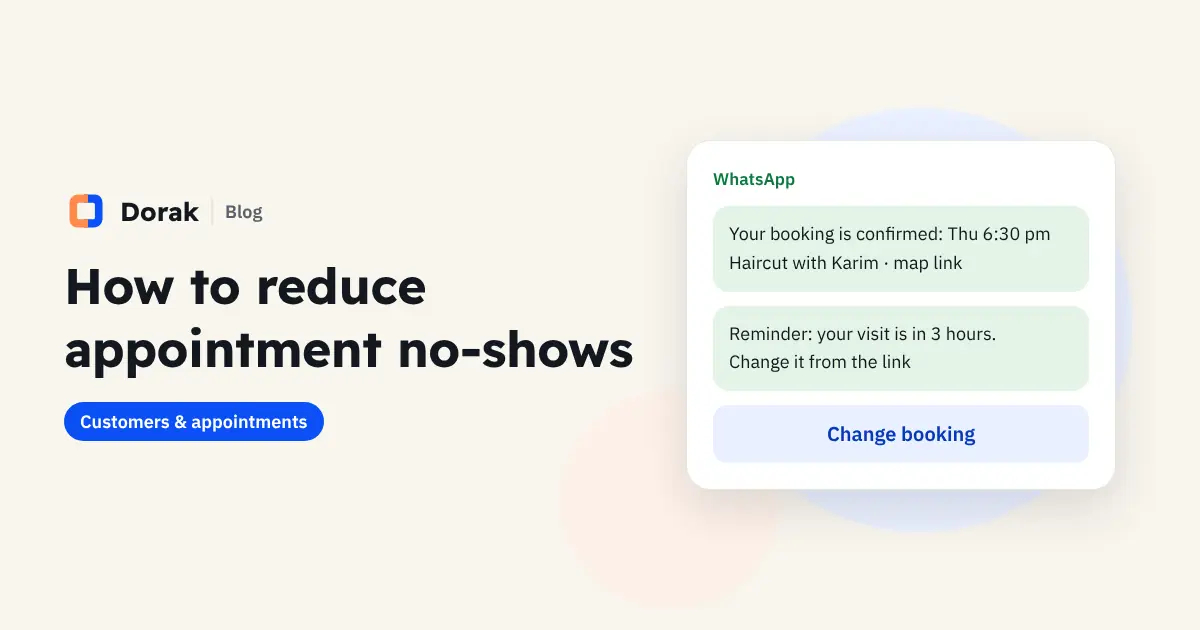
In Dorak, any confirmed booking has "Send confirmation" and "Send reminder" buttons. Each opens WhatsApp with the client's name, your business, the time, the services and the booking ref already written, in Arabic or English. You check it and press send from your own number.
Dorak doesn't send messages on your behalf, so they always arrive from the business number your clients know. Every client also has a profile with their visits and no-shows, so you can see who needs an extra reminder or a deposit.
See how Dorak works for clinics and salons, or start a 14-day free trial with no bank card.
FAQ
Do reminders really reduce no-shows?
Yes, because most no-shows come down to forgetting or having no easy way to reschedule, and a reminder handles both. Results vary by business, so track your no-show rate before and after.
Regular WhatsApp or WhatsApp Business?
Both work. WhatsApp Business is free and adds your business name, address and quick replies, which looks more professional. You can save these templates as quick replies.
How many times should I remind someone?
Once is enough for most appointments. For bookings made weeks ahead or long sessions, remind a week before and again the day before.
Can I use the Arabic versions too?
Yes, but write them naturally in Arabic rather than translating word for word. Dorak's ready messages come in both Arabic and English.