How to reduce appointment no-shows: confirmations, reminders and deposits
Most of your customers are reliable; a small group keeps missing. Instead of being strict with everyone, here is how to treat each group, with a ready deposit policy.
An appointment a customer misses can't be sold again. The answer isn't to treat every customer as a likely no-show, but to make keeping the appointment easy, and to be firm only with those who miss repeatedly.
Why customers miss appointments
- They forgot, because they booked days or weeks earlier.
- They want to move it, but calling feels awkward or nobody answers.
- The confirmation wasn't clear, so the booking didn't feel real.
- They don't know exactly where you are.
- Missing costs them nothing, so for a few it becomes a habit.
Each reason has a different fix, and the steps below cover them in order.
Step 1: Confirm every booking straight away
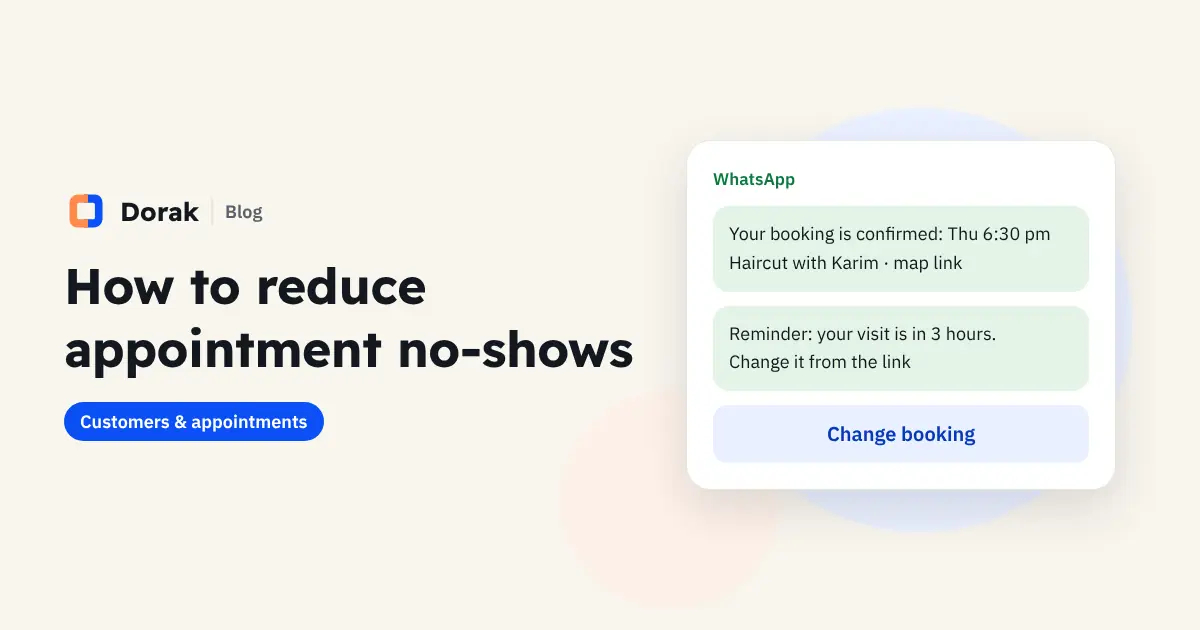
Right after booking, send a message with the day, time, service, staff member, address and a map link. WhatsApp is the channel most customers in Egypt and the Gulf use, so confirm there.
Step 2: Remind before the appointment
A short message at a sensible time before the visit: the time, the address and a change link. Leave out offers and marketing so it isn't read as an ad.
Step 3: Make changing easier than not showing up
Give customers a link to move or cancel on their own. A slot cancelled hours ahead can be booked by someone else, and the customer avoids an awkward call.
Set a clear cut-off for online changes. In Dorak, for example, customers can change or cancel up to 3 hours before by default, and you can adjust this in settings.
Step 4: Know who misses
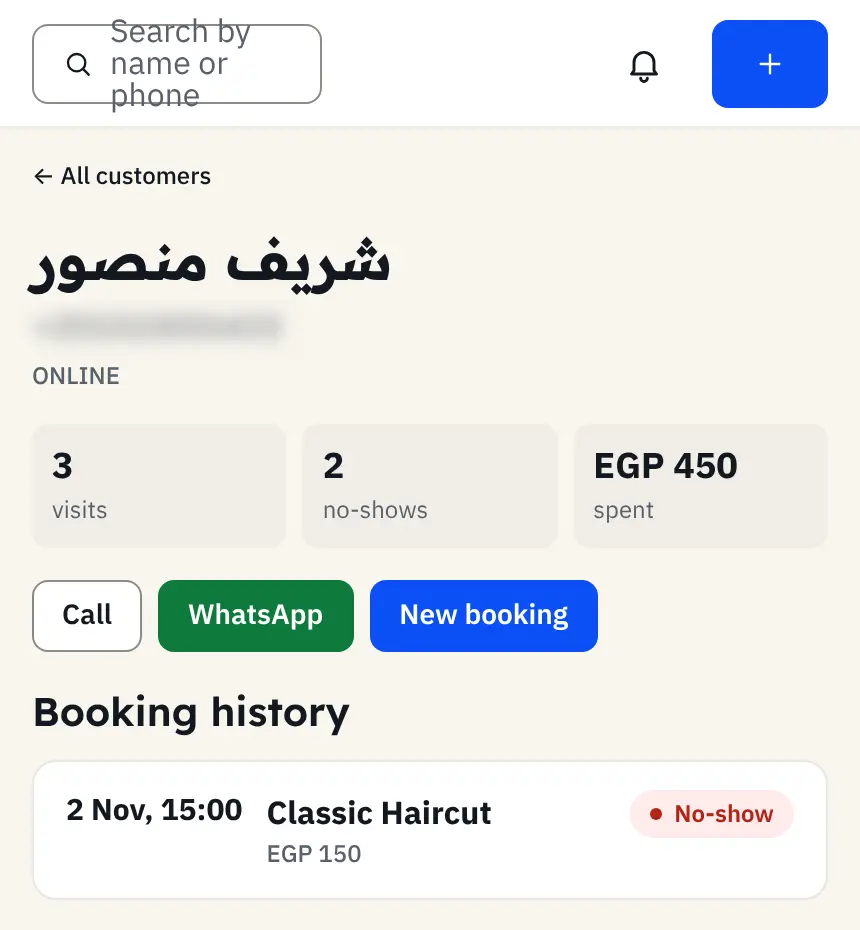
When every booking is in one system, each customer file shows their visits and no-shows. You'll usually find that no-shows come from a small group, and most customers are reliable.
Step 5: Ask repeat no-shows for a deposit
A deposit only works when it's asked of the right person. Ask those who missed more than once in a short period, and leave reliable customers alone.
In Dorak, each customer's no-show count is in their file, so you know whom to ask. Record the deposit as a payment on the booking when you receive it; it shows in the day's accounts and comes off the service price.
A ready policy
Appointment policy: If you need to change or cancel, use the link in your confirmation at least 3 hours before. If missed appointments repeat without cancelling, we'll ask for a small deposit to confirm future bookings, deducted from the service price.
A polite WhatsApp message asking for a deposit
Hi [name], we look forward to seeing you on [day] at [time]. As the last few bookings were cancelled at short notice, we need a [amount] deposit to confirm this one; it comes off the service price. You can pay by [payment method] and send us a screenshot.
Step 6: Follow up with customers who stopped coming
Some absence isn't from one appointment but from your business altogether. A regular who stopped coming is more often won back by a friendly message than by an ad.
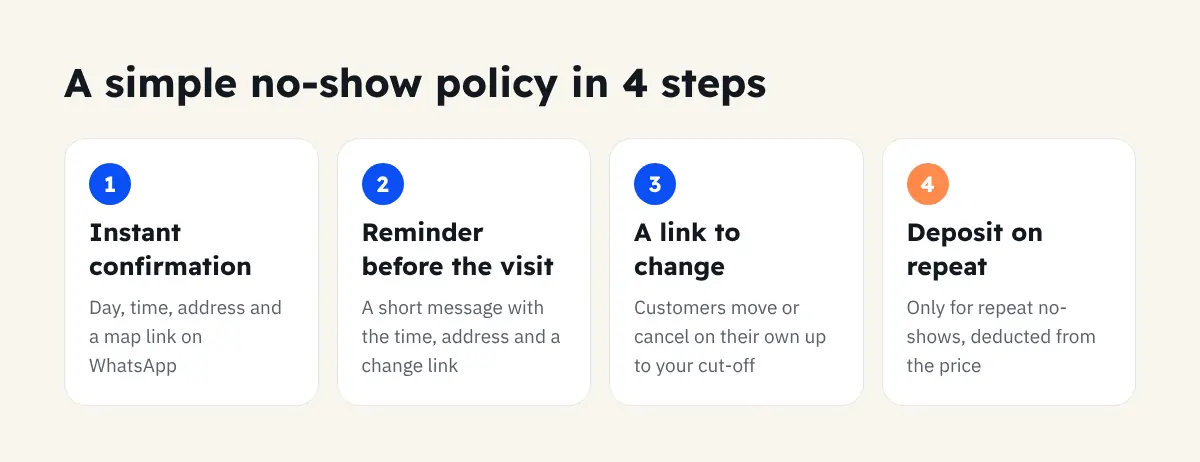
A simple no-show policy in 4 points
- Confirmation with the address as soon as they book.
- A reminder before the visit with a change link.
- Online changes allowed up to a set cut-off.
- A deposit only for repeat no-shows.
How Dorak helps
Dorak prepares WhatsApp confirmations and reminders you send with one tap, gives every customer a link to change or cancel, records no-shows in the customer file, and records deposits against the booking. If you want, turn on approval mode to review each request before confirming it. Start a 14-day free trial, no bank card needed.
Frequently asked questions
Should every customer pay a deposit?
Usually not. Most customers are reliable; the deposit is for the small group who keep missing.
Can customers change their booking without calling?
Yes, from the link in their confirmation, up to the cut-off you set.
Does this work for clinics and salons alike?
Yes, and for coaches, car service centres and any appointment business. Just set the change cut-off to suit your business.