Salon management software: bookings, team and revenue in one place
Two bookings on one chair, an end-of-month argument over commission, and a drawer that doesn't match the day's services. This is what salon software should fix.
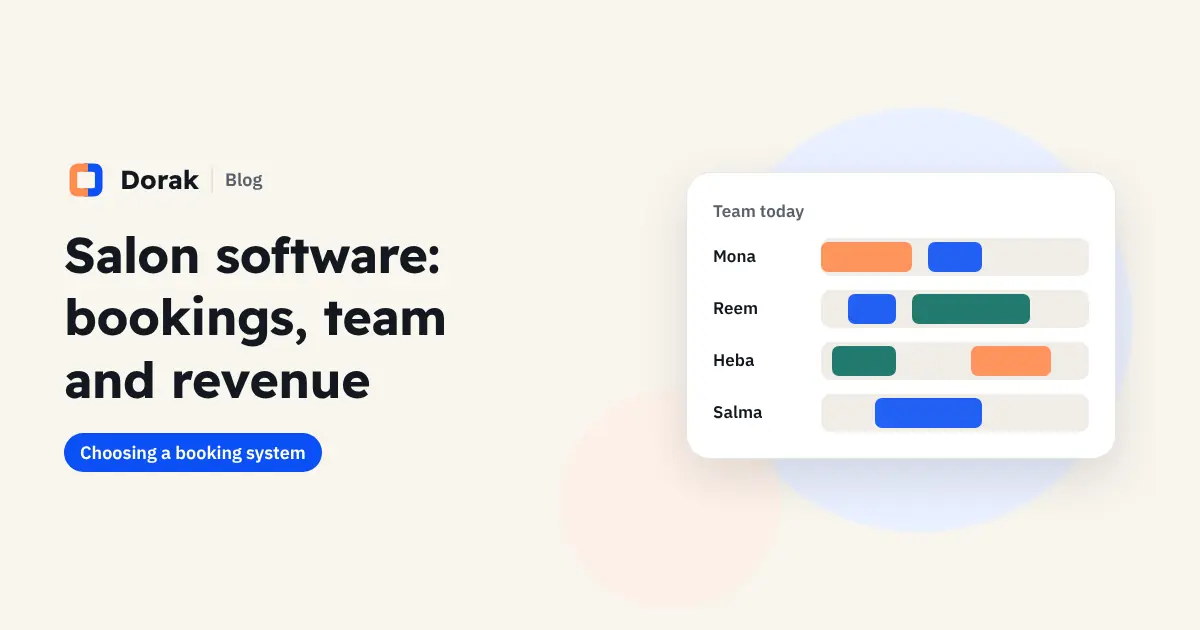
A salon lives on time: an empty chair for an hour is lost income, and a chair booked twice is an unhappy customer. Most problems don't come from too little work but from how it is organised.
Problems salon management software solves
- The same stylist or chair booked for two customers at once.
- The same WhatsApp questions all day: "How much?" and "Any time today?"
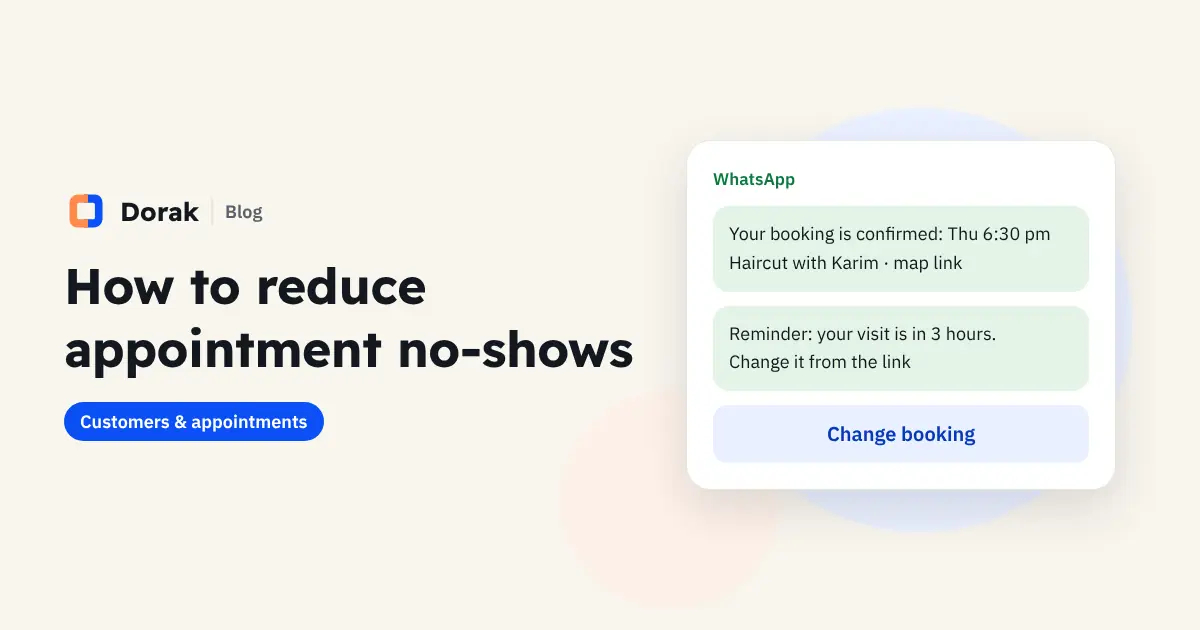
- No-shows on the busiest days, such as weekends and before events.
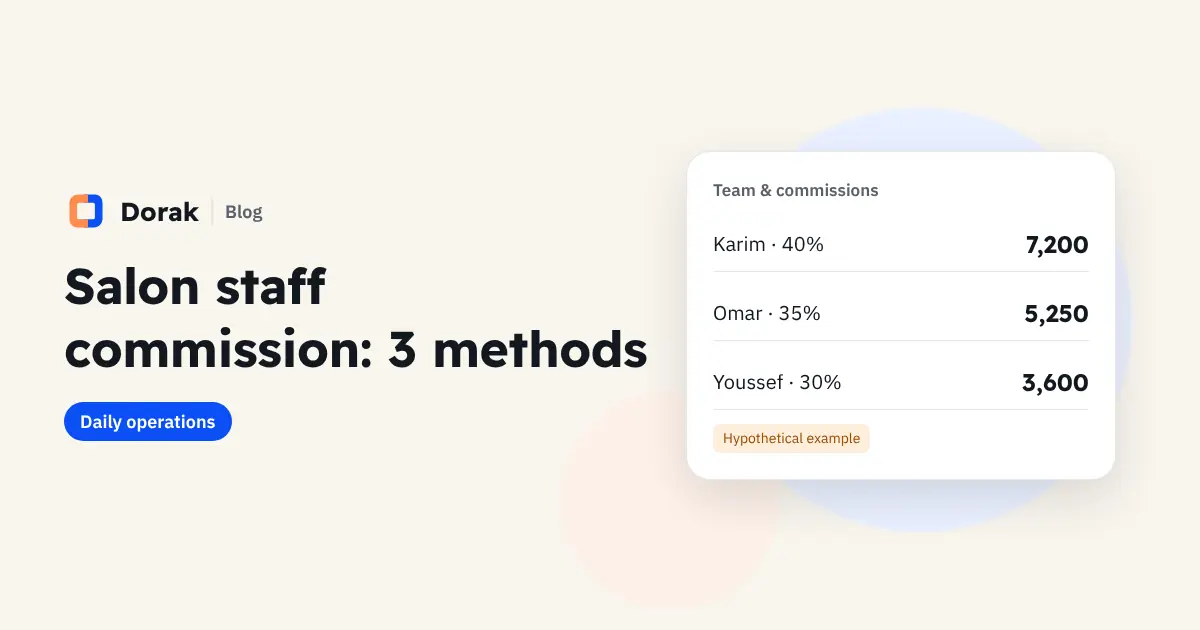
- End-of-month arguments over commission, because nobody knows exactly who did what.
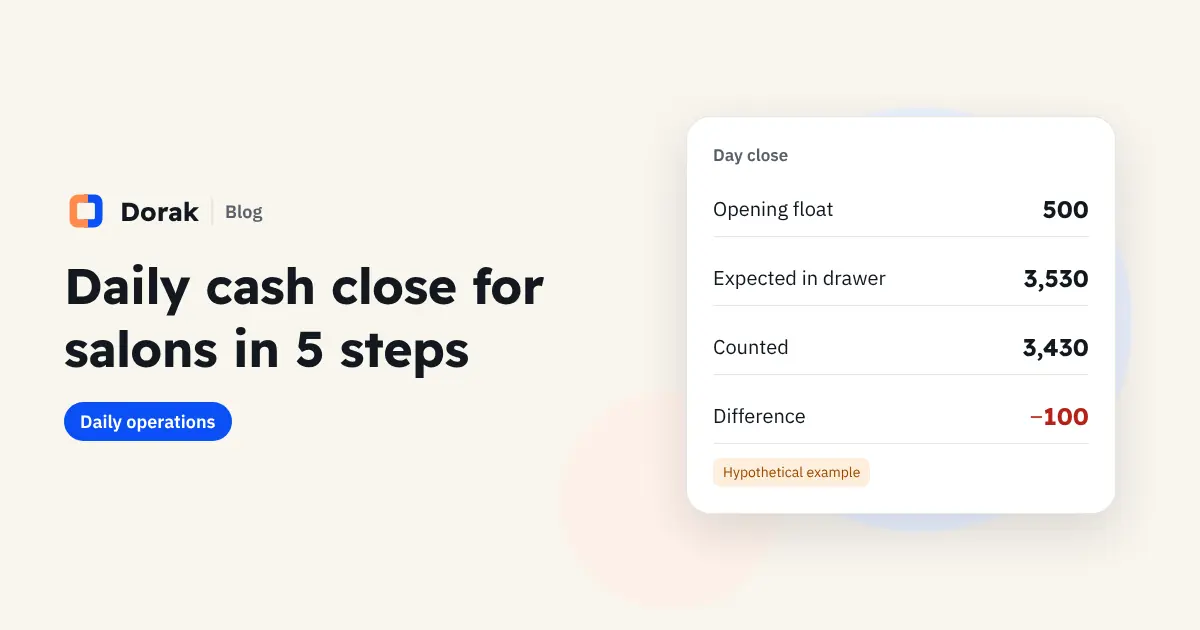
- A drawer at closing that doesn't match the services done.
Features that matter for salons and barbershops
| Feature | What you gain |
|---|---|
| A booking page with services and prices | Customers book at night without asking you |
| A schedule per staff member | Everyone knows their day; availability is live |
| Walk-ins added in seconds | The calendar and revenue stay accurate |
| WhatsApp confirmations and reminders | Fewer no-shows on the days that matter |
| Customer file | Visits, spending and no-shows |
| Commission from completed work | No end-of-month arguments |
| Daily drawer close | Expected vs counted, with the difference in front of you |
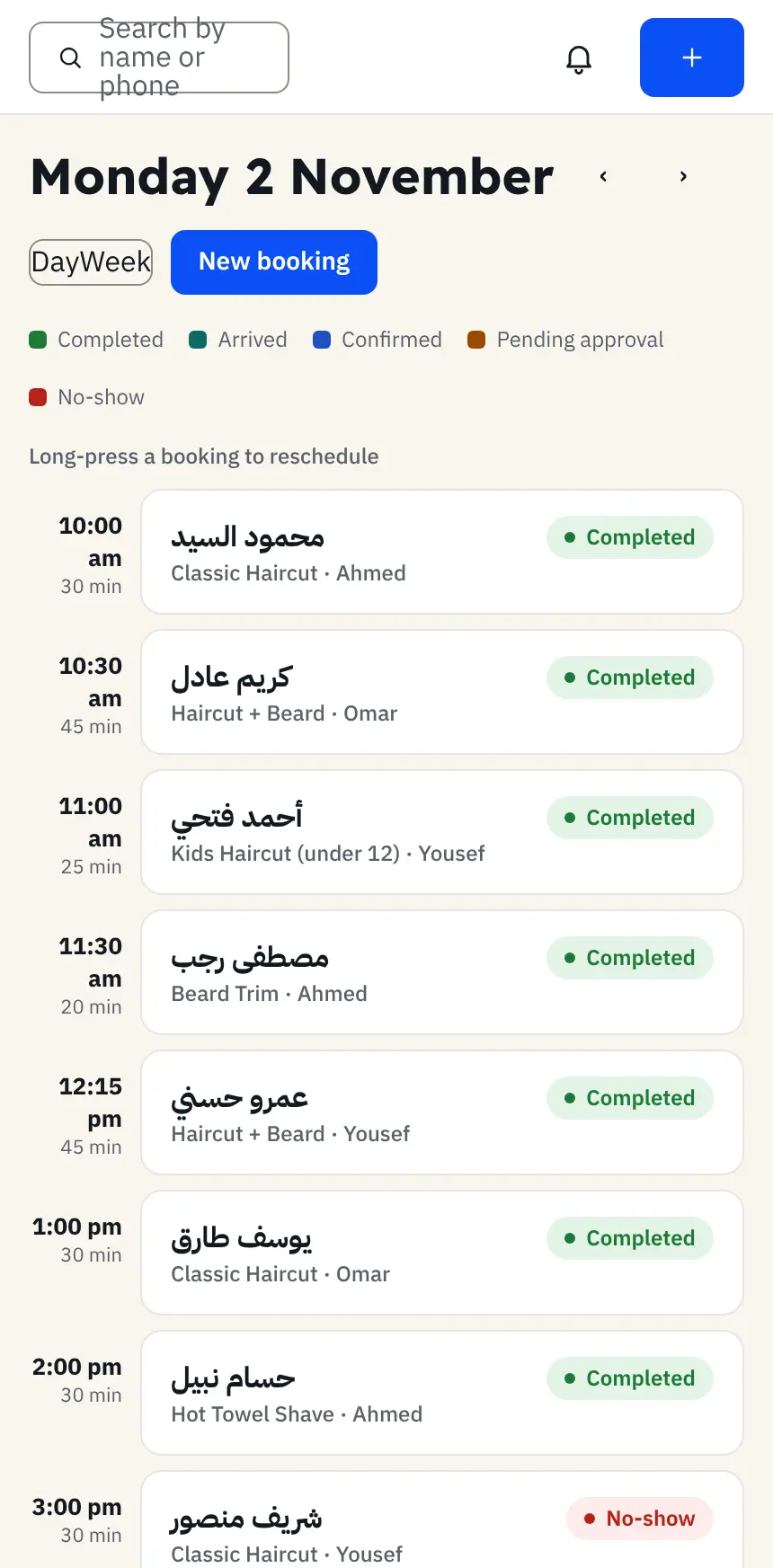
Salon, barbershop or beauty centre?
Women's salons: long services like colour and treatments. If a service's duration is wrong in the system, the whole day runs late.
Barbershops: quick, frequent visits, so easy booking and reminders matter most.
Beauty centres: several specialists and rooms, and each one should see only their own schedule.
One system serves all three, as long as you set up services, durations and who provides them from the start.
Turn a first visit into a regular
- Note a customer's preferences, such as a colour shade or a favourite barber.
- Remind them before their next suggested visit.
- Follow up with customers who stopped coming. The customer file shows their visits and lets you message them on WhatsApp directly; a friendly message brings some back at no advertising cost.
How much does salon software cost?
Dorak starts at EGP 249 a month for up to 2 staff, EGP 499 for up to 6 with accounts, reports and commissions, and EGP 899 for unlimited staff. Extra staff are EGP 59 each, yearly billing costs 10 months, and there's no booking commission. (Egypt prices in November 2026. See current pricing; Saudi and UAE prices are shown in local currency.)
Set your salon up in a day
- List your services with the duration and price of each: cut, colour, beard, treatment.
- Add staff and their hours, and set which services each one provides.
- Set each staff member's commission rate and agree on it before the first month. See ways to calculate commission.
- Add your logo and colours to the booking page.
- Put the link in your Instagram bio, WhatsApp Business and Google Maps.
- Close the drawer in the system from day one. Steps are in our daily drawer close guide.
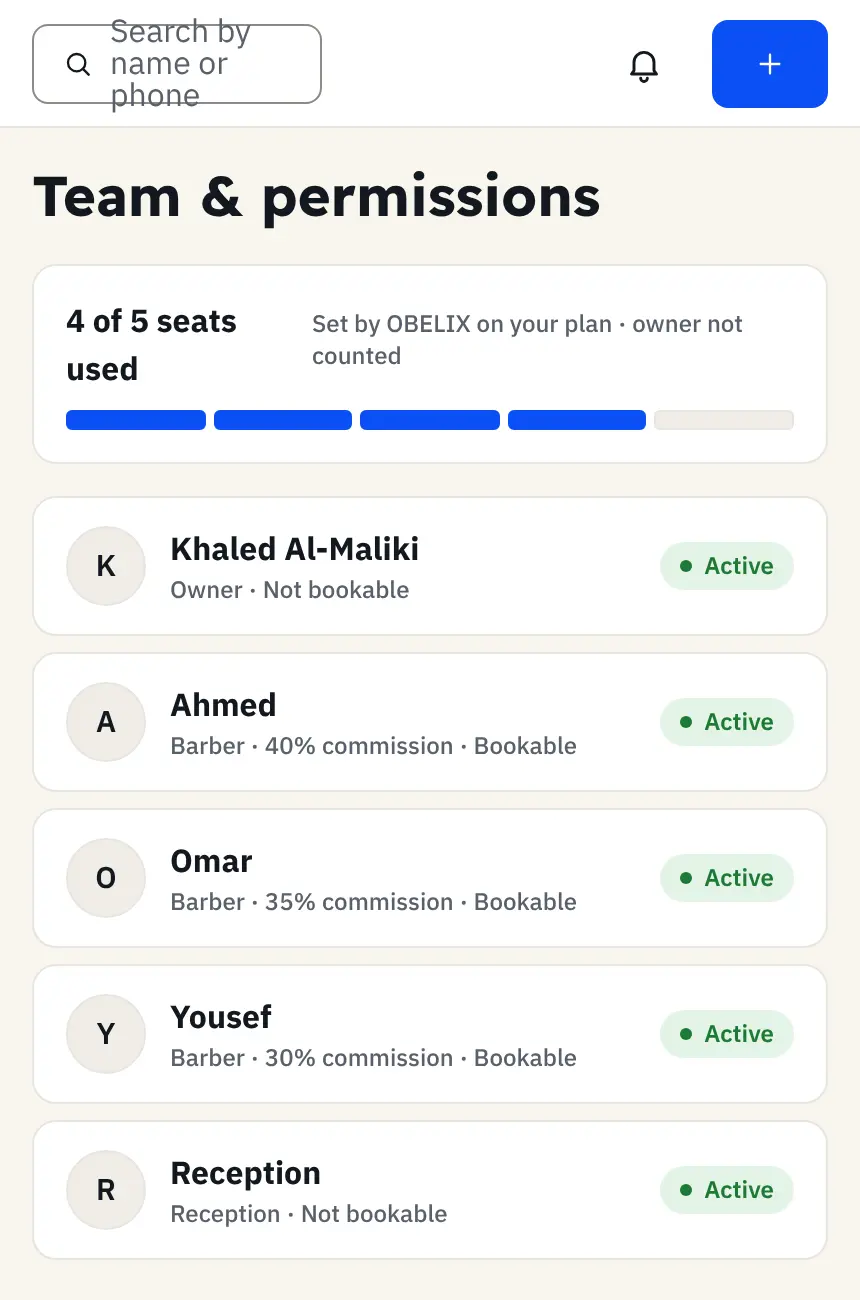
Dorak for salons and barbershops
Book as a customer on the demo booking page, then see Dorak for salons and for barbershops.
Frequently asked questions
Can customers choose their stylist?
Yes. They pick the service and the stylist and see only that person's times. You can also leave it open to any available stylist.
How is staff commission calculated?
Each staff member has a commission rate, and Dorak calculates it from completed services only, so each person's total is clear to you and to them.
Can I add a walk-in customer?
Yes. Reception adds them in seconds, keeping the calendar and revenue accurate.