Online booking system in Egypt: how to choose one and get it running
Phone and WhatsApp bookings work until two customers land on the same slot. This guide covers when you need a booking system, how to compare them, and how to start.
Most appointment businesses start with phone calls, WhatsApp messages and a notebook at reception. It works at first. Then the same problems appear: two customers booked into one slot, a regular who forgot, and staff who only learn their day's schedule that morning.
A booking system doesn't change how customers reach you. It puts the schedule in one place everyone can see, and leaves WhatsApp for conversation.
What is an online booking system?
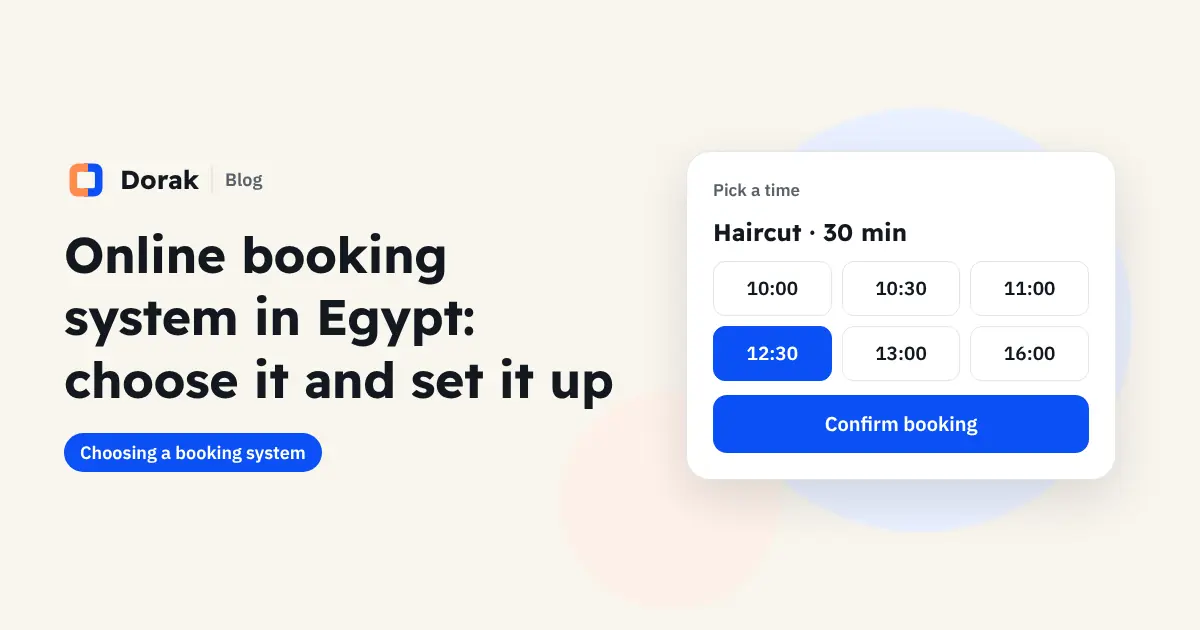
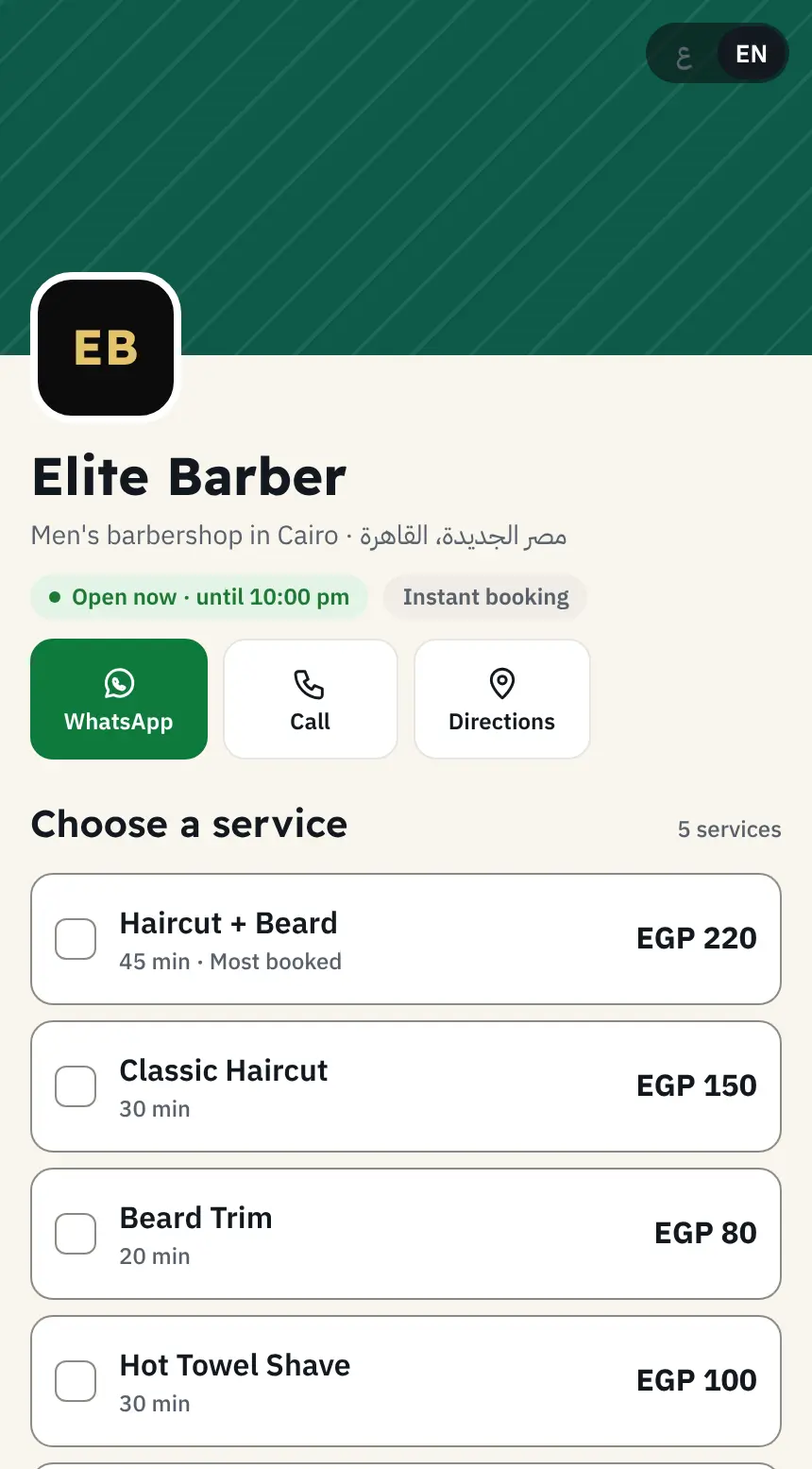
It is a booking page your customers open from a link. They choose a service, a staff member and a free time, and confirm on their own. Behind it is a dashboard for you and your team with:
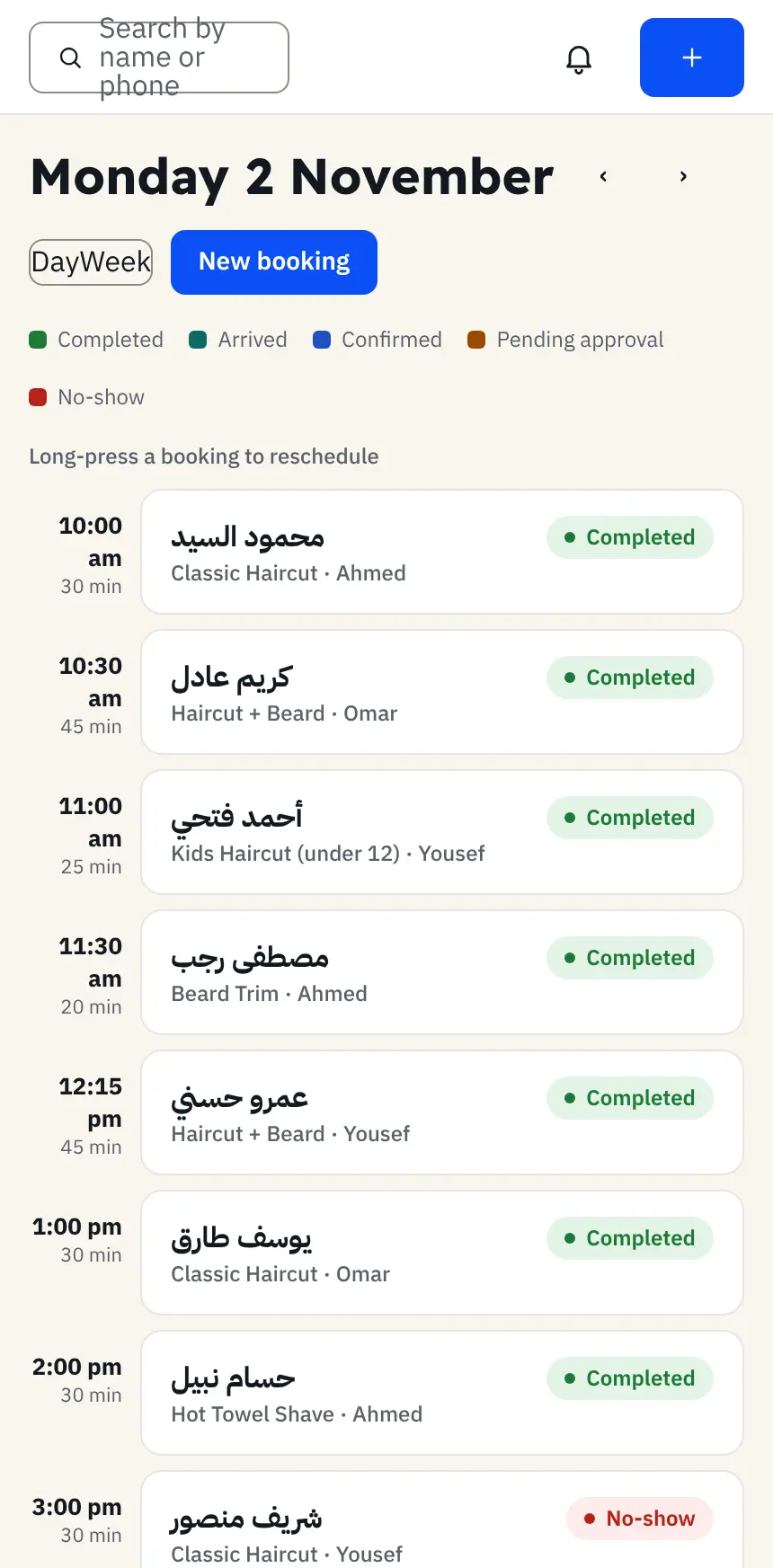
- Each staff member's daily and weekly schedule, with booked times blocked automatically.
- A file for each customer with visits, payments and no-shows.
- Phone and walk-in bookings recorded in the same calendar.
A good system opens in the phone's browser with no app, and doesn't ask customers to create an account.
Who needs a booking system in Egypt?
Any business whose income depends on appointments of a set length:
- Clinics, medical centres and dental clinics.
- Salons, spas and barbershops.
- Coaches, consultants and therapists.
- Car service and car wash centres.
- Home services such as cleaning, maintenance and installation.
The clearest sign you need one: someone spends most of the day answering booking messages, or you find out at the end of the day that two appointments overlapped.
8 features to compare before you subscribe
| Feature | Why it matters |
|---|---|
| Live availability per staff member | Stops two bookings landing on one person |
| A duration for each service | A haircut is not a colour; a check-up is not a filling |
| A booking page with your logo, colours and currency | Customers trust a page that looks like your business |
| No app and no customer account | Every extra step loses bookings on mobile |
| A link for customers to change or cancel | The booking moves instead of becoming a no-show |
| WhatsApp confirmations and reminders | Customers in Egypt use WhatsApp far more than email |
| Customer file and no-show history | You see who is reliable and who needs a follow-up |
| Revenue, day close and team permissions | Everyone sees their part; you see the whole picture |
Also ask how you pay (a flat subscription or a commission per booking), and whether adding a staff member is easy as your team grows.
Booking system or phone and WhatsApp?
WhatsApp is great for talking and poor as a calendar. Messages get buried, two people on your team can promise the same slot, and nobody sees the full day.
The practical answer is not to drop WhatsApp but to split the roles: the calendar lives in the booking system, and WhatsApp handles confirmations, reminders and questions. Customers can then book at night or on a holiday, and the calendar knows the slot is gone.
How much does a booking system cost in Egypt?
Price depends on team size and the reports you need. How you are charged matters more than the number: a flat subscription suits most businesses better than a per-booking commission, because your cost doesn't grow as your calendar fills.
Dorak as an example (Egypt prices when this article was written, November 2026; always check the pricing section):
| Plan | Monthly price | Staff |
|---|---|---|
| Starter | EGP 249 | Up to 2 |
| Pro | EGP 499 | Up to 6, with accounts and reports |
| Business | EGP 899 | Unlimited |
Each extra staff member is EGP 59 a month, yearly billing costs 10 months, and there is no commission on bookings.
A simple test: compare the monthly fee with the value of the appointments you lose today to no-shows and unanswered calls.
Get online booking running in half a day
- List your services, each with a duration and a price.
- Add your staff and their working hours, and set who provides which service.
- Block breaks and days off before you share the link.
- Add your logo and colours to the booking page.
- Put the link in your Instagram bio, WhatsApp Business and Google Maps profile.
- Agree with reception that every phone or walk-in booking goes into the system only.
Mistakes that come up in the first month
- A paper notebook next to the system. The first booking written in only one place brings back double bookings.
- Hidden prices. A customer who learns the price at reception cancels or doesn't come back.
- Forgotten breaks. A customer books a staff member's lunch hour, and the visit gets pushed.
- No follow-up with customers who stopped coming. They are the easiest customers to win back, because they already know you.
Try a booking page before you decide
The fastest way to know whether a system suits your customers is to book as one. Open the demo booking page on your phone, then see how the same steps look for your business. If it fits, start a 14-day trial with every feature and no bank card.
Frequently asked questions
Do customers need to download an app?
No. They open the booking link on any phone or computer and book with their mobile number only.
Can I record phone and walk-in bookings?
Yes. Reception adds them by hand to the same calendar, so every appointment stays in one place.
Does Dorak send WhatsApp messages automatically?
Dorak prepares the confirmation and reminder with the booking details, and you send it from your business WhatsApp with one tap.