Scheduling a car service centre without the morning rush
Every customer turns up at 9 am, and the technicians are idle after lunch. Here is how to spread the day with appointments of a known length.
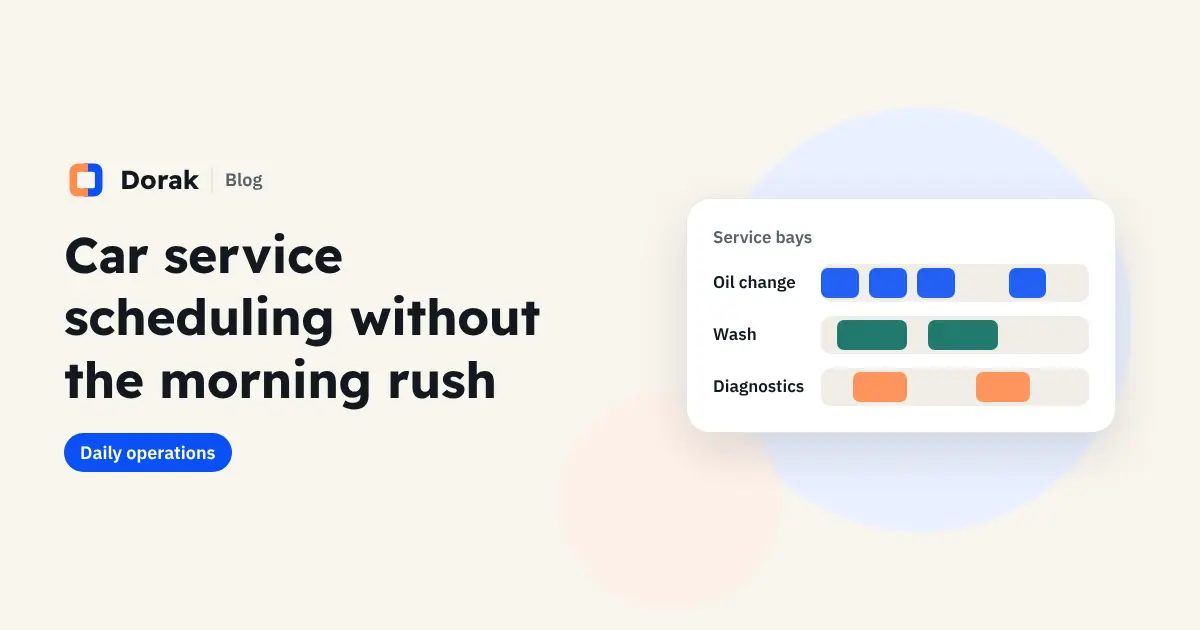
At most service and wash centres the problem isn't too few customers but when they arrive: a queue in the morning, long waits, then idle technicians in the afternoon. Appointments with a set length spread the same number of cars across the whole day.
Start with a service list and realistic durations
Before any system, write down each service and how long it really takes, not how long it should take:
| Service | What to set |
|---|---|
| Oil and filter change | A fairly fixed time; you can take several cars an hour |
| Exterior / interior wash | A time for each type, and a difference between small and large cars |
| Computer diagnostics | The check only; the repair is a separate booking once the fault is known |
| Brakes / suspension | An estimate with buffer time |
| Polishing or protection | A long service, best early in the day |
The rule: a job whose length you don't know (such as an unknown fault) isn't booked as one service. Book a check first, then schedule the repair.
Each technician or bay has its own schedule
With 3 technicians or 3 wash bays, you have 3 schedules running in parallel. Customers see the free times for any of them, and the system never books the same person twice at once.
Buffer time between bookings
A car rarely leaves at the exact minute. Leave a few minutes between bookings for hand-over and cleaning, instead of letting the whole day slip from the first appointment.
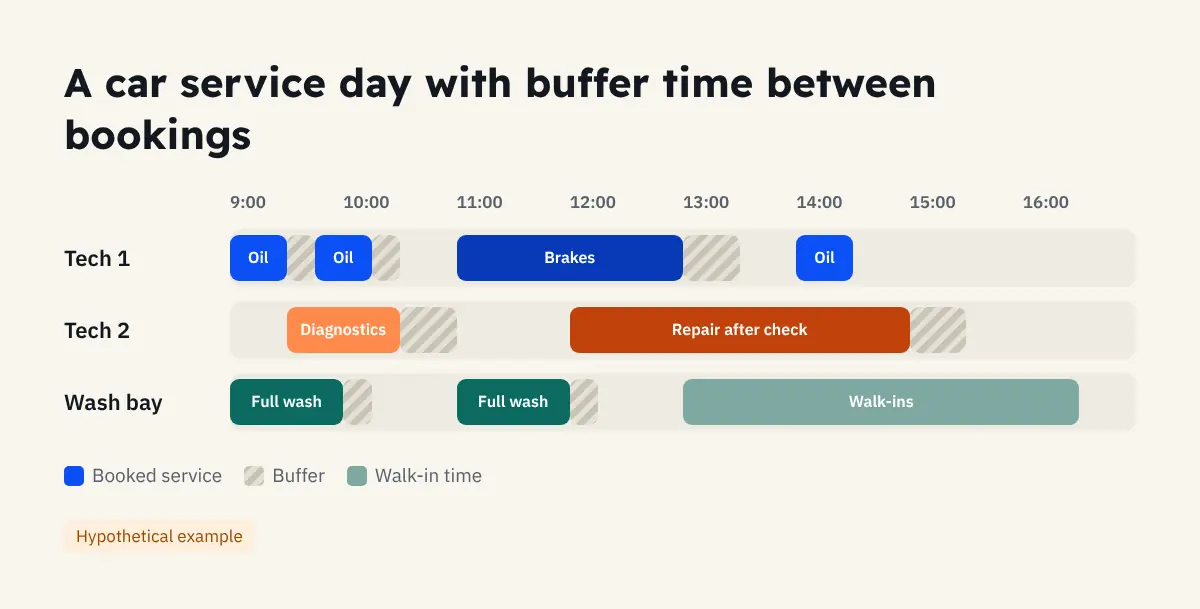
When a car needs extra work
Mid-job, the technician finds the car needs a part or more time. Agree on a clear rule:
- Message the customer on WhatsApp before any extra work, with the price and time.
- If the extra work would take the next booking's slot, book it as a separate appointment.
- Record every extra service on the same visit so revenue stays accurate.
Cut no-shows from car owners
- An instant confirmation with the address and a map link, because many centres are on side streets.
- A reminder before the visit with what to bring, such as the registration or warranty card.
- A link to move the booking instead of not turning up. Details are in our guide to reducing no-shows.
Walk-ins
Appointments don't mean turning away drive-ins. Keep part of the day, or one technician, for walk-ins, and record every car in the same schedule so you see the full day.
How this works in Dorak
In Dorak you set the duration and price of each service and who provides it, each technician has a schedule, and customers book from a page with your centre's logo, no app needed. Reception adds walk-ins in seconds, and WhatsApp confirmations and reminders are ready to send with one tap. See Dorak for car service centres or start a 14-day free trial.
Frequently asked questions
Can customers choose a specific technician?
Yes, or leave it to any available technician.
How do I handle large cars that take longer?
Create a separate service with its own duration, such as "SUV wash", instead of using one service for every car.
Does it work for mobile car washes at home?
Yes. The closest fit is home services, where travel time between customers matters most.